01
Services locaux, organisés depuis votre téléphone
Une demande claire. Le bon échange. Sans courir après les contacts.
Rani Jay aide les clients à publier un besoin de service et les prestataires à repérer des missions locales. Chaque rôle utilise son application, puis la discussion commence après acceptation.
Choisissez votre rôle pour voir le parcours qui vous correspond.
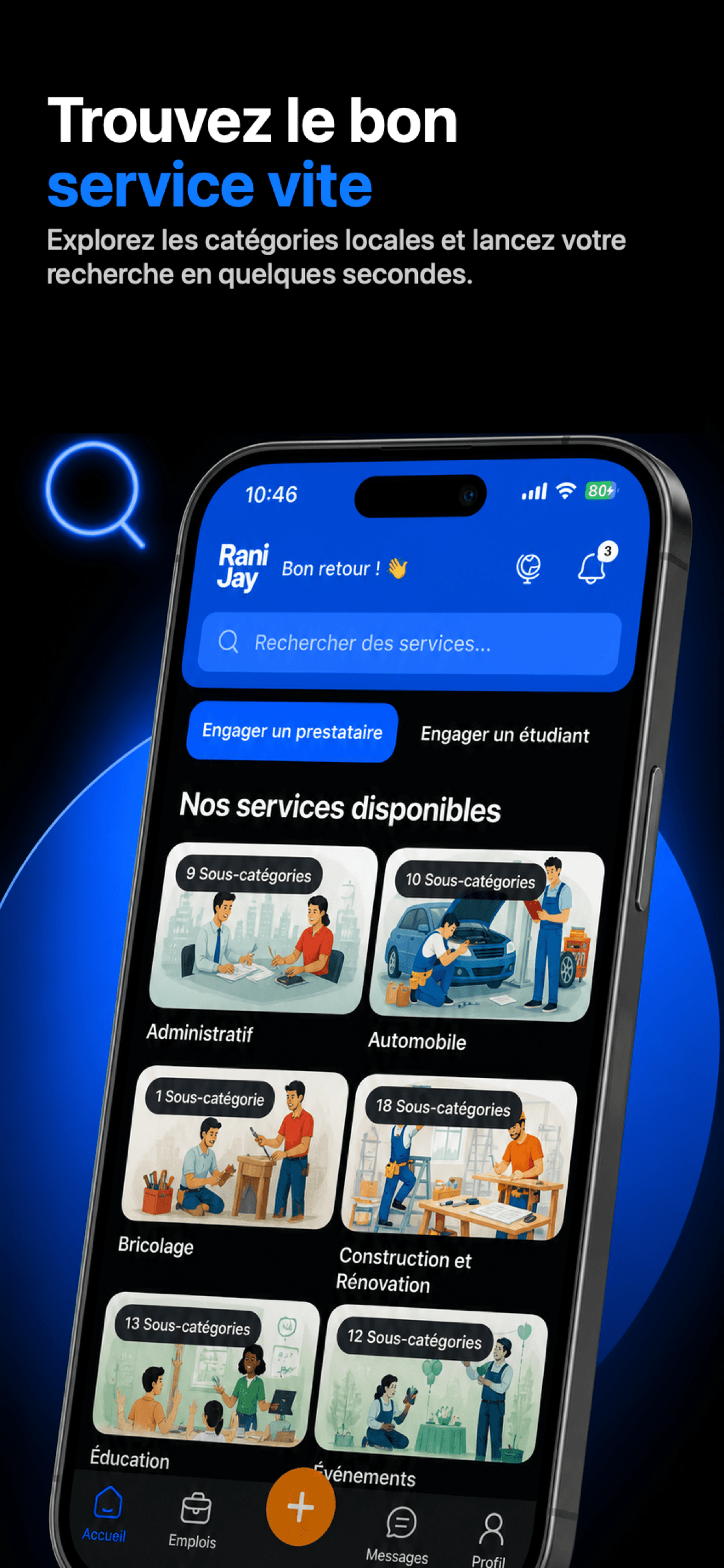
Rani Jay pour les clients
Décrivez le besoin, puis choisissez avec plus de contexte.
Créez une demande guidée, suivez les candidatures, acceptez le prestataire adapté et continuez la coordination dans la conversation.
- Parcourir les catégories locales
- Publier une demande avec les détails utiles
- Comparer les candidatures avant d'accepter
Rani Jay
Rani Jay Pro
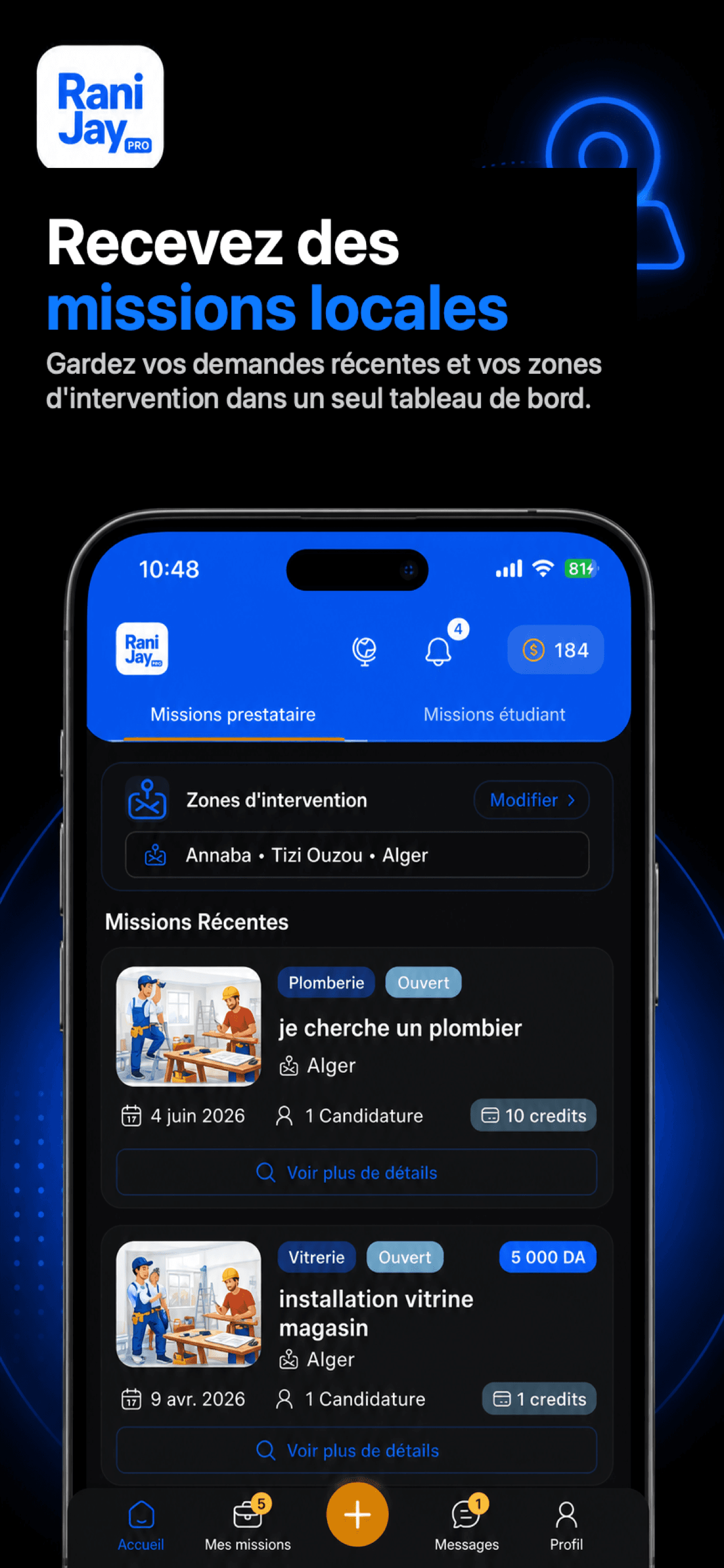
Rani Jay Pro pour les prestataires
Gardez les opportunités locales et votre profil au même endroit.
Les étudiants et prestataires peuvent présenter leurs services, consulter les missions adaptées, candidater puis échanger avec le client après acceptation.
- Présenter vos services et zones d'intervention
- Découvrir des demandes locales
- Candidater depuis votre téléphone
Le parcours Anijay
Quatre étapes, avec une responsabilité claire à chaque passage.
L'application structure la mise en relation. Le service lui-même se déroule directement entre le client et le prestataire.
- 01
Publier
Le client décrit le service recherché.
- 02
Candidater
Les prestataires intéressés répondent à la demande.
- 03
Accepter
Le client choisit un profil et la discussion s'ouvre.
- 04
Évaluer
Après la mission, chacun peut laisser un avis.
Deux applications, deux rôles
Choisissez votre rôle, puis téléchargez l’application correspondante.
Ouvrez le store qui correspond à votre téléphone, ou scannez le code QR depuis votre appareil mobile.


02

